Remote Workers Are Your Biggest IT Security Risk. Here’s the Fix.
Remote working IT security for growing businesses: the five biggest home worker risks and the practical fixes, from device management and MFA to training.


Quick answer: myCare, a Scottish home care provider, ran its email, files and databases on five ageing servers in its Aberdeen head office, with four branches connecting over slow VPNs. Alto moved everything to Microsoft 365, SharePoint and a subscription version of their care software, migrating data in advance and switching over in a single weekend. The result: no VPN, no single point of failure, and staff who can work together on the same files from anywhere.
Cloud migration in Aberdeen is often talked about in general terms. Faster, cheaper, more flexible. Those claims are easier to judge when you can see a real project end to end. This case study walks through how we helped myCare move off its servers, what got in the way, and what changed for the people doing the work every day.
Weighing up a similar move? Our cloud vs on-premise decision framework is a useful companion piece. This post shows what that decision looks like in practice.
myCare provides care and support to people in their own homes across North East Scotland, Tayside and Perthshire. It’s a regulated service, so reliable access to records and a clear audit trail aren’t optional. Staff across the head office and four branch offices need the right information at the right time to do their jobs well.
Before the project, everything ran from five ageing servers in the head office in Aberdeen. Email, documents, data and the databases behind the care software all lived there. The four branches connected back to head office over VPN links to work.
Those VPNs were often slow, and sometimes they didn’t work at all. When a link dropped, a branch couldn’t get to its files. Staff lost time and frustration built up.
There was a quieter risk too. When the connection was unreliable, people started saving documents to their own computers to keep working. That led to different versions of the same file in different places. For a regulated care provider, scattered copies of documents were a risk that needed fixing quickly.
Head office had also become a single point of failure. If the servers or the building’s connection had a problem, the whole business felt it.
Our team recommended moving entirely to cloud-based services. Patching the VPN or replacing the servers would have kept the same weak point in place. Removing the dependency on physical servers in one building solved the connectivity problem at its source.
The plan was staged so the business could keep running throughout.
Email went first. It’s a mature service and one of the simplest workloads to move to Microsoft 365. Starting here gave staff an early, low-risk win and let us confirm accounts and sign-in settings before the larger data move.
Next, all documents and shared data moved into Microsoft SharePoint. This is where the biggest day-to-day change happened. Files that once sat behind a VPN were now available to anyone with the right permissions, from any office or from home.
Getting the folder structure and permissions right matters more than the move itself. Our post on SharePoint vs OneDrive vs Teams explains how we decide where different types of file should live.
The final stage covered myCare’s line-of-business applications. We advised on the options and approached the software provider directly. The provider moved myCare onto the subscription-based online version of its software, which removed the last reason to keep servers on site.
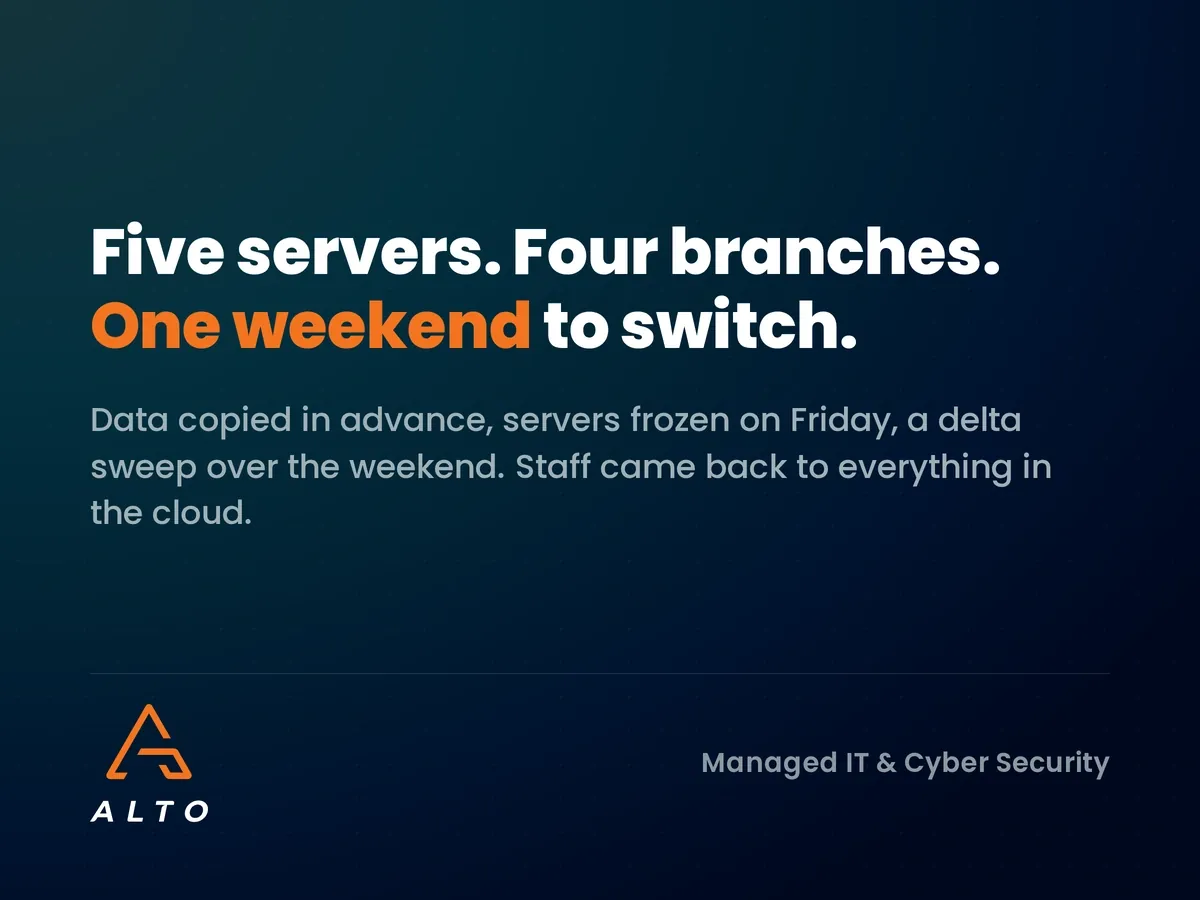
Moving a large volume of data over an average internet connection can take a week or two. That’s not a reasonable amount of disruption for a business that has to keep delivering care.
So we built a less disruptive plan. Using specialist migration tools, we copied all of the data to the cloud in advance while the business carried on as normal. Then, over a single weekend, we stopped access to the old servers so nobody could make further changes.
With the servers frozen, we ran what’s known as a delta sweep. The tools check for anything that has changed since the main copy and move only those extra files. That’s a much smaller and faster job, so staff came back on Monday to their data already in its new home.
The migration tools carried a one-off cost of around £10 per person. That’s far cheaper than moving the data by hand, which would have taken at least a week of consultancy time and disrupted the business while it happened.

Once the data was moved, we stayed close. We provided early life support so staff could get comfortable with the new systems and raise any issues quickly. Only when we were confident myCare was happy with how everything worked did we decommission the old servers.
This step is easy to skip and costly to get wrong. Switching off servers too early can leave a business without a fallback if something has been missed.
Because myCare was still using Microsoft products, the new setup felt familiar. The way the team worked, though, changed a great deal.
Collaboration was the biggest benefit. Several people can now open the same spreadsheet at once, make changes and see each other’s edits straight away. Nobody waits for a file or emails versions back and forth.
The VPN is gone now that everything is centralised in the cloud. Head office is no longer the single point of failure, and staff can work from home or a branch using a standard internet connection. For a team spread across a wide area, that’s a real difference. It also changes the security picture, which we cover in our guide to remote working IT security.
Microsoft continually updates and secures the software, so there are no more server upgrade projects. The team always has the latest version.
Five servers use a lot of electricity. Switching them off reduced the energy bill, a welcome bonus on top of the operational gains.
Not every business should go fully to the cloud, and the right answer depends on your applications, your connection and your compliance needs. A quick traffic light check helps:
Green: your software has a cloud or subscription version, staff work across sites or from home, and your servers are due for replacement.
Amber: most systems could move, but one or two specialist applications need checking with the supplier first.
Red: you rely on software that only runs on local hardware, or you have no plan for permissions and backup in the cloud.
Unsure which applies? The cost of standing still is worth knowing too. Our post on the true cost of IT downtime helps put a number on it.
It depends on the volume of data and the number of applications. For myCare, the data was copied in advance and the final switchover happened over a single weekend, keeping disruption to a minimum.
Very little, with good planning. Copying data ahead of time and running a delta sweep means access only pauses for the final switchover, which can be scheduled outside working hours.
Not always. Many software providers offer a subscription-based online version. We can approach your provider on your behalf, as we did for myCare.
Yes, when it’s set up properly. Microsoft 365 with the right permissions, multi-factor authentication and separate backup gives a regulated business stronger control than ageing servers in a single office.
If your servers are ageing or your remote access is holding people back, we can help you plan the move. Our IT consultancy team runs a cloud readiness review that looks at your data, applications and connections, then sets out a staged plan in plain English. You can read more client stories on our case studies page, or get in touch to start the conversation.