Case Study: How myCare Moved from Five Servers to the Cloud
Cloud migration Aberdeen case study: how Alto moved home care provider myCare from five ageing servers and slow VPNs to Microsoft 365 in a single…


Quick answer: To spot a phishing email in 2026, stop judging the writing and start checking the request. Modern phishing is well written, often AI generated and frequently sent from real, compromised accounts. The tell is what it asks you to do: log in, pay, change bank details, open a file or act fast. Verify any of those through a second channel you already trust before you click.
For years, staff were told to look for spelling mistakes, odd greetings and clumsy logos. That advice made sense in 2015. It does not hold up today. Attackers now use AI tools to write clean, polite, convincing emails in seconds, in any tone they like, and they can tailor each one to your Aberdeen business using details from LinkedIn and your own website.
The good news is that the goal of a phishing email has not changed. It still needs you to do something. Once your team learns to focus on the request rather than the presentation, most attacks become much easier to catch. This guide explains what has changed, the signs that still work and what to do when someone clicks.
Three things have changed the picture for small and mid-sized businesses.
First, AI writing tools have removed the language barrier. An attacker who does not speak English can now produce a message that reads like it came from your finance director. The typos and strange phrasing that used to give the game away are largely gone.
Second, more attacks come from genuine accounts. Criminals break into a supplier’s or client’s mailbox, then reply inside a real email thread. The sender address is correct, the signature is correct and the conversation history is real. Only the request is fake.
Third, attackers mix channels. A phishing email might be followed by a text message or a phone call “to confirm”, which makes the whole thing feel more legitimate. Some now use QR codes in emails, because a phone camera skips many of the link checks your email filter would normally run.
The UK Government’s Cyber Security Breaches Survey has found phishing to be the most common type of attack reported by UK businesses year after year. In our work with North East firms, it remains the starting point for most of the incidents we are called in to help with.
Some traditional advice is still worth knowing, but none of it is reliable by itself any more.
These checks can still catch lazy attacks. The problem is that they give staff false confidence. Someone who has been taught “look for typos” may trust a polished email that should have raised alarms.
Focus your team on these instead. They work because they target what the attacker needs, not how the message looks.
Urgency is the oldest trick in phishing and it still works. “Payment overdue today”, “your mailbox will be closed in 24 hours” or “I need this before my meeting” are all designed to stop you thinking. A real supplier or colleague will rarely object to a two-minute check.
Any request to sign in, pay an invoice, buy gift cards or update bank details deserves a second look. Changes to supplier bank details are the single most expensive request we see in invoice fraud, and they often arrive in a perfectly normal-looking email thread.
Hover over a link before you click it, or press and hold on a phone. Check the actual web address, not the text shown. Look for small differences such as “rnicrosoft” instead of “microsoft”, extra words like “secure-login” or an unfamiliar domain ending. Check the full sender address too, not just the display name.
Suppose your managing director never emails about payments. An email from them about a payment is then unusual, whatever it says.
Be wary of attachments you were not expecting, particularly files that ask you to “enable content” or open a shared document that then asks for your Microsoft 365 password. Treat QR codes in emails with the same caution as links.
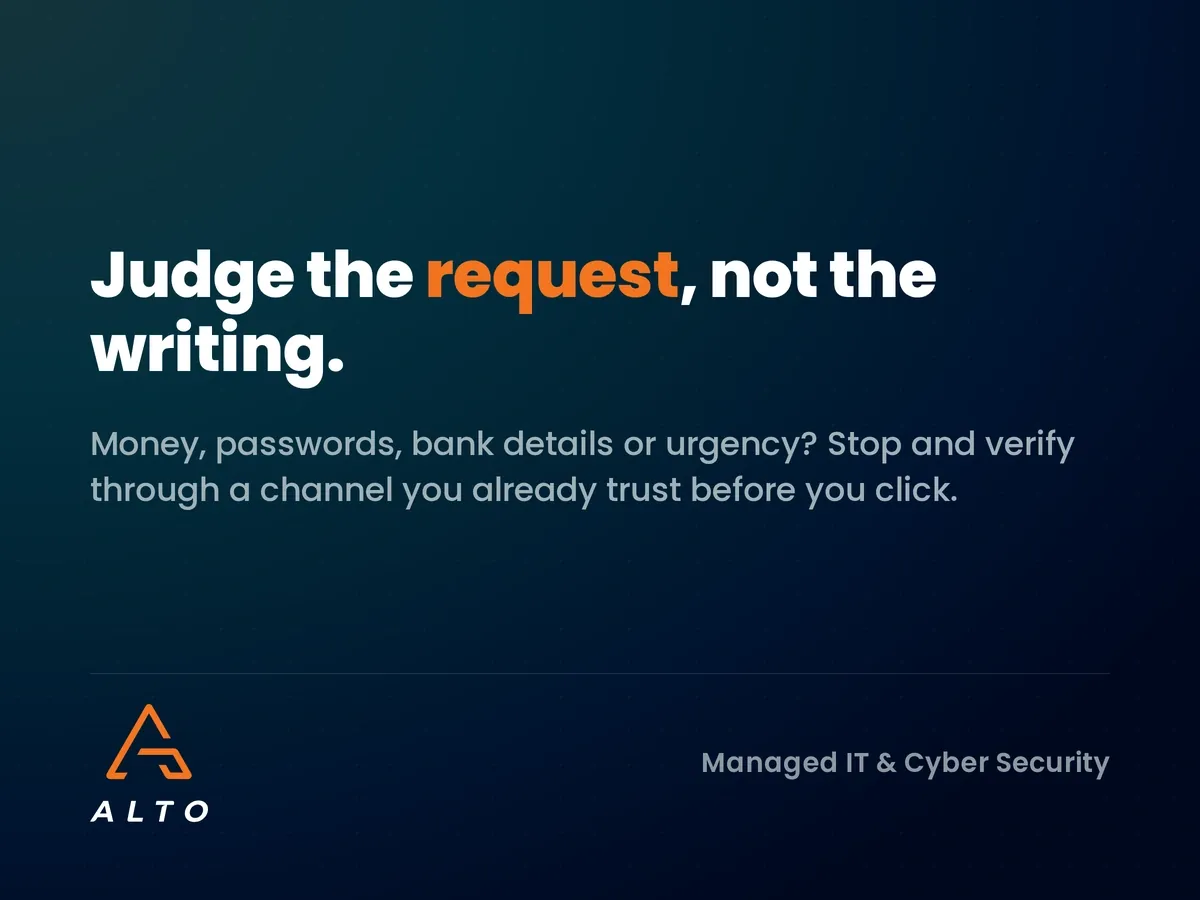
We find simple frameworks stick better than long lists, so we teach a traffic light check.
The second channel is the important part. Do not reply to the email or call a number written in it, because the attacker controls both. Use a number from your own records or walk over to the person’s desk.
Clicks will happen. Even well-trained staff get caught on a busy day. What matters is how fast the business responds, and that depends on people feeling safe to own up.
For a fuller picture of the response steps, our guide to what happens after a cyber attack walks through the first 72 hours.
Never punish someone for reporting a click. A culture of blame teaches people to hide mistakes, and a hidden mistake is far more costly than a reported one.
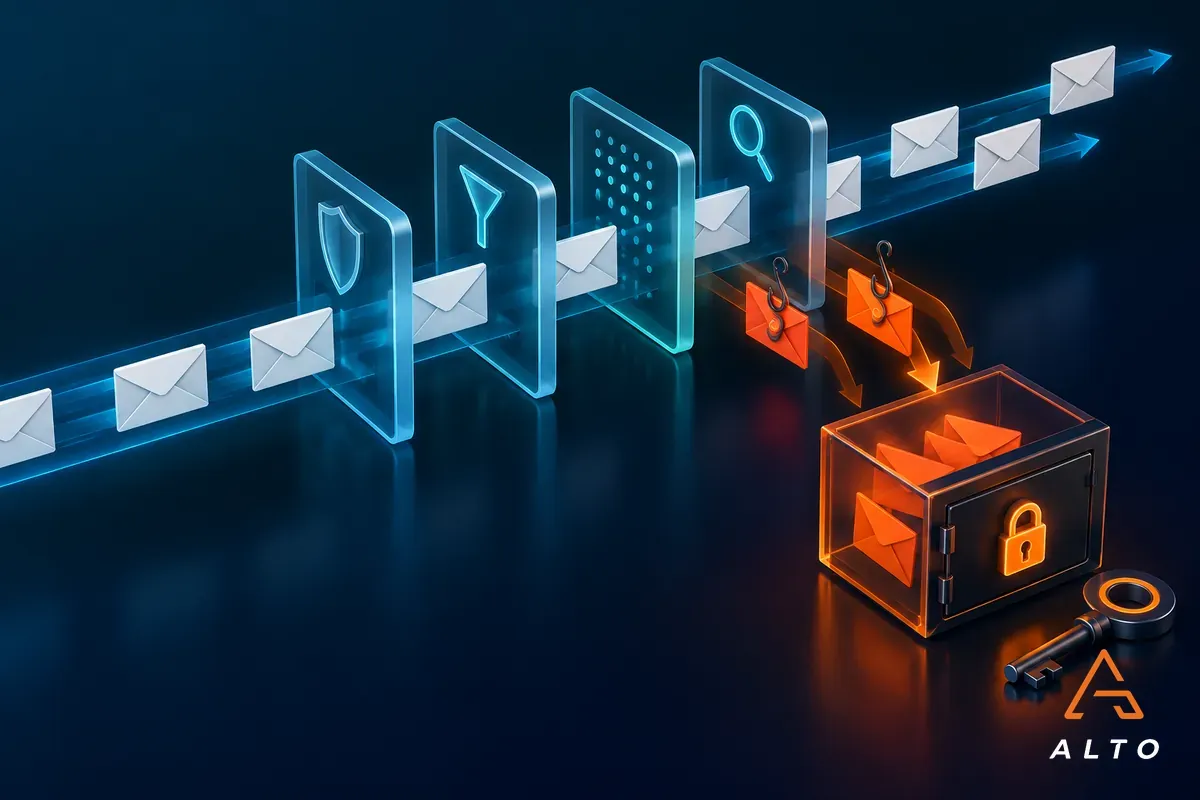
Training reduces risk, but it should never be your only defence. A few controls make a big difference for growing businesses running Microsoft 365.
If someone does hand over a password, multi-factor authentication stops most attackers from using it. Phishing-resistant methods, such as the Microsoft Authenticator app with number matching, are stronger than text message codes.
Microsoft Defender for Office 365 and similar tools scan links at the moment of click and open attachments in a safe space before delivery. They catch a large share of attacks before staff ever see them.
Setting up SPF, DKIM and DMARC records makes it much harder for criminals to send email pretending to be from your own domain. It also protects your clients from fake emails in your name.
Put a written rule in place that any change to bank details must be confirmed by phone using a number already on file. This one process step blocks most invoice fraud, whatever the email looks like. Many insurers now ask about this directly, as we covered in our post on cyber insurance requirements.
Annual slide decks do not change habits. Short, regular training does. In our experience, the approach that works best for SMEs combines three things:
Track the report rate as well as the click rate. A rising number of reports is one of the best signs that your team is getting sharper. This matters even more for hybrid teams, where staff cannot easily lean over and ask a colleague, a risk we explored in remote workers and IT security.
An unexpected request to act, such as logging in, paying an invoice or changing bank details, especially with time pressure attached. The request matters more than the wording.
Not reliably by reading them, because the writing is often flawless. Focus on whether the request is normal, verify through a second channel and rely on email filtering to catch what people miss.
Do not click links or open attachments. Report it to your IT provider using your report button, and forward it to report@phishing.gov.uk so the NCSC can investigate.
Cyber Essentials focuses on technical controls rather than training. Cyber insurers and many clients, however, now expect evidence of regular staff awareness training.
Short sessions and simulated phishing tests every one to two months work better than a single annual course. Regular practice keeps the signs fresh.
For Aberdeen businesses unsure how their team or Microsoft 365 setup would hold up against a modern phishing attack, we can help. Our cyber security team offers a phishing readiness review covering email filtering, domain protection, MFA and staff awareness, with the gaps set out in plain English. Get in touch to book yours.