What to Do When Microsoft 365 Goes Down: A Continuity Plan for Aberdeen Businesses
13th November, 2026
Quick answer: When Microsoft 365 goes down, first confirm the fault is Microsoft’s, not yours, by checking the service health page. Then tell your team, switch to your agreed fallback for email and calls, and hold off on resetting passwords or reinstalling software. An outage is not data loss, so your information is still there. The real protection is a one-page continuity plan, written before you need it, that says who decides what and how people reach clients in the meantime.
On Thursday 12 November 2026, email stopped for a large part of the working world. Microsoft’s Exchange Online service, which sits behind Outlook for business, became unavailable for the best part of a day. Other Microsoft 365 services were affected too, and Teams calendars and scheduling struggled even where chat and calls kept going.
Microsoft says it has seen no indication of a cyber attack. At the time of writing, it has not published a confirmed root cause and has promised a post-incident report. Recovery began on Friday 13 November, with queued mail catching up, though its status page still reported degraded service for some customers that afternoon.
We will not speculate about the cause. What matters for your business is a more practical question: if this happened on a Monday morning, what would your team actually do?
Does an outage like this mean the cloud is the wrong choice?
No. Servers in your own office fail too, usually at a worse moment, and with one IT person to fix them rather than a team of thousands. Our comparison of cloud versus on-premise IT for Aberdeen businesses goes through the trade-offs in more detail.
But “the cloud is reliable” is not the same as “the cloud never fails”. Microsoft’s published commitment for Microsoft 365 is 99.9% uptime. That sounds close to perfect, yet it still leaves room for around nine hours of downtime a year. Most of the time you will never notice. Occasionally you will, and the businesses that cope best are the ones that expected it.
What to do in the first hour of a Microsoft 365 outage
Speed matters less than order. Work through these steps.
1. Confirm the problem is Microsoft’s
Check the Microsoft 365 service health page in the admin centre, or Microsoft’s public status page at status.cloud.microsoft if you cannot sign in. Microsoft’s Microsoft 365 Status account on X also posts incident updates. If other businesses are reporting the same fault, you have your answer.
2. Do not reset passwords or reinstall Office
It feels productive, but during a service-wide outage it rarely helps and can create problems of its own. Wait until the fault is confirmed as yours.
3. Tell your team in one message
Staff will start restarting laptops and ringing the helpdesk. A single clear message through your agreed fallback channel stops that: what is down, what still works, and when the next update will come.
4. Switch to your fallback for client contact
Phone clients with anything time-sensitive. Use mobile numbers rather than relying on a Teams call. Send a short holding message from any other channel your IT provider has approved, so customers are not left guessing.
5. Use what still works
If you use the Outlook desktop app, previously downloaded mail is often still readable. Files already synced to a laptop through OneDrive can usually be opened. Know in advance what your team can do offline.
The continuity plan: one page, written before the outage
A continuity plan does not need to be a 40-page document. For most growing businesses, a single page covering the main services is enough. Here is a simple structure to copy.
What you rely on
What breaks
Your fallback
Who decides
Email
No sending or receiving
Phone for urgent contact, approved alternative channel for staff updates
Operations manager
Calendar and meetings
Invites and joining links fail
Printed or exported list of tomorrow’s meetings, direct phone numbers
Each team lead
Teams chat and calls
Messages and calls delayed or dropped
Mobile numbers, one agreed non-Microsoft group channel
IT provider
Files in SharePoint and OneDrive
Online access slows or fails
Offline copies of key documents on laptops
Each team lead
Payments and approvals
Approval requests stall
Phone confirmation, named second approver
Finance lead
Two details make the difference. First, name a person for each row, because in an outage nobody wants to guess who has authority. Second, keep a copy of the plan, and your key contact numbers, somewhere that does not depend on Microsoft 365. A plan stored only in SharePoint is no use when SharePoint is the problem.
Outages are a favourite moment for fraud
When email is down, people are stressed, rules get bent and unusual requests slip through. Criminals know this. Expect opportunistic phishing that claims to “restore access” to Microsoft 365, and be wary of any request to change bank details or approve an urgent payment while normal checks are hard to do.
The rule does not change in an outage: any change to payment details is confirmed by phone, on a number you already hold. Our guide to how invoice fraud works in 2026 explains why, and our post on spotting a phishing email covers the warning signs.
An outage is not data loss, so why does backup matter?
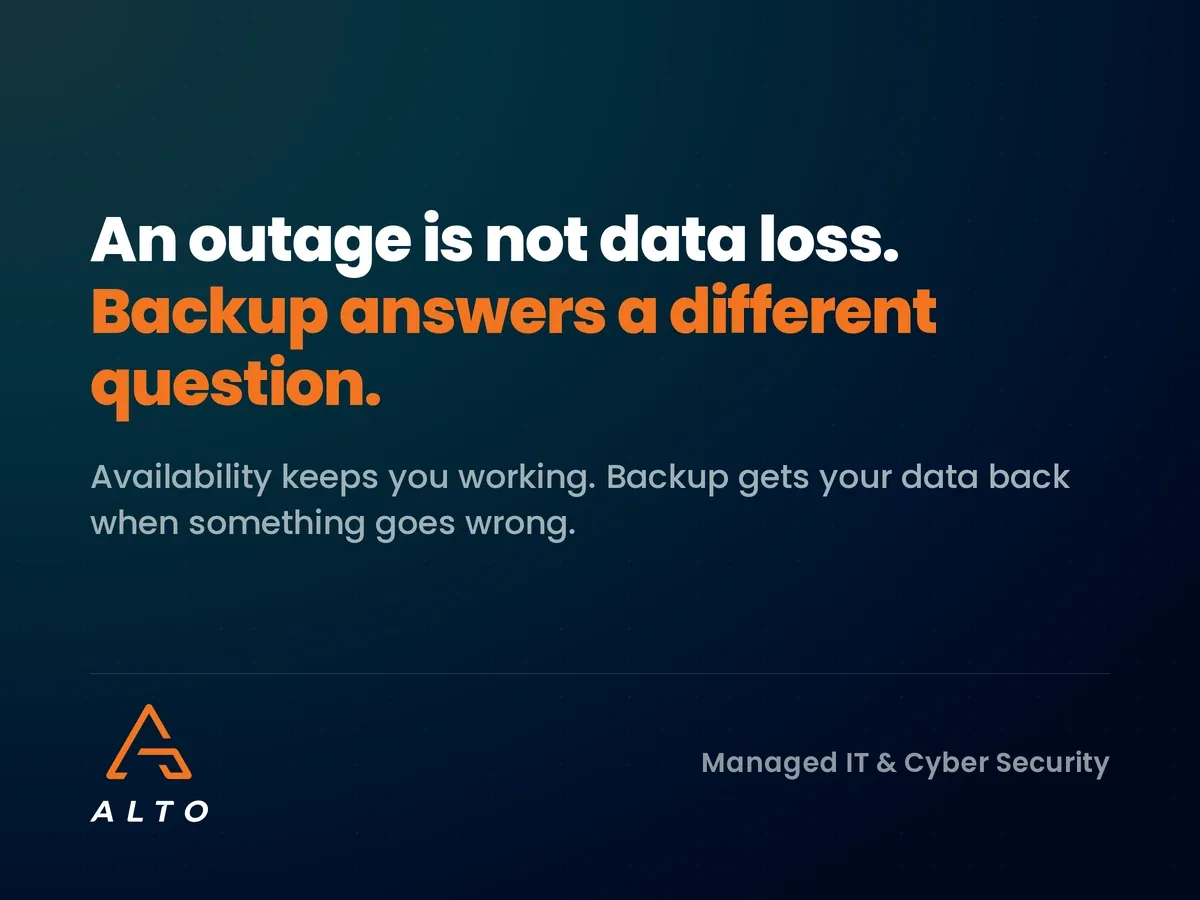
They are different risks. An outage is about availability: your email and files are safe but out of reach for a while. Backup is about recovery: getting information back when it has been deleted, overwritten, or encrypted in a cyber attack.
Microsoft runs the service and keeps it available. You are responsible for your data inside it. Microsoft provides continuity of service, but that is not the same as a separate backup you control. We explain the difference in our guide to Microsoft 365 for business email.
A backup will not make Outlook work during an outage. It does answer the question that follows every big incident: if something went wrong with our data, could we get it back, and how quickly? Our Premium support plan includes Microsoft 365 backup, and we offer business continuity solutions through our partnership with Datto, so data can be restored quickly if it ever needs to be. For more on the planning side, see what a business continuity plan involves.
Test it with a 30-minute exercise
A plan nobody has rehearsed tends to fail on the details: an out-of-date phone number, a fallback channel half the team has never used, or a decision only one person can make. Put your managers in a room and run through one scenario: it is 9am Monday and email is down until mid-afternoon. Who tells staff? How do we reach our three biggest clients? What can we not do, and who tells the clients affected?
Three questions to take back to your IT provider:
If email is down for a day, how do our team reach customers and each other?
Who decides when to switch to the fallback, and what is it?
Is our Microsoft 365 data backed up somewhere independent of Microsoft?
If you cannot answer all three in under a minute, that is your to-do list. The financial side is worth a look too. Our post on the true cost of IT downtime for UK businesses helps put a figure on a lost day.
Frequently asked questions
Is Microsoft 365 down right now?
Check the service health page in your Microsoft 365 admin centre, or the public status page at status.cloud.microsoft. If you cannot sign in, ask your IT provider to check, or look at the Microsoft 365 Status account on X.
How long do Microsoft 365 outages usually last?
Most incidents are short, and large ones are rare. But the November 2026 Exchange Online outage showed that one can run for most of a working day, with mail still catching up afterwards.
Do we need a backup if Microsoft has its own redundancy?
Yes. Microsoft’s redundancy keeps the service running. It does not protect you from accidental deletion, a compromised account or ransomware, and it is not a backup that you control.
Should we move our email back to our own servers?
Usually not. Your own servers fail too, and you would lose the security and updates that come with Microsoft 365. Planning for downtime is more effective than avoiding the cloud.
Can we claim compensation for a Microsoft outage?
Microsoft’s service agreement provides service credits in some circumstances, but these are typically small compared with a day of lost work. Check the terms with your Microsoft licensing provider.
Find out how an outage would hit your business
If this week made you wonder how your own business would cope, we can help you find out. Alto runs a short IT resilience review for Aberdeen businesses: we look at your backup and restore position, your monitoring coverage and your single points of failure, and give you a plain-English view of what to fix first.
Invoice fraud and business email compromise explained: why fake invoices look real in 2026, the warning signs, and five controls Aberdeen businesses can use.
Patch Tuesday October 2026 fixed over 1,400 Microsoft flaws, including an exploited zero-day. What it means for your business and how to prioritise updates.
We worked with Aberdeen oil service company, Unity Well to migrate the management of their devices from on-site infrastructure to Microsoft’s cloud based Azure Active…
We completed a data migration project for an Aberdeen engineering company, Caledonia Services. We migrated their corporate data from on-site infrastructure to cloud based storage…
✓ Takes 3 minutes ✓ No obligation ✓ Instant results
Get a comprehensive analysis of your IT infrastructure and security posture. See exactly where you're vulnerable and how much it's costing your business.