Do You Need an AI Policy? A Plain-English Guide for UK Business Owners
24th November, 2026
Quick answer: Yes. If anyone in your business uses ChatGPT, Copilot or any other AI tool for work, you need an AI policy, even a short one. A good AI usage policy tells staff which tools are approved, what information must never be put into them, and who checks AI output before it reaches a customer. For most UK SMEs it fits on two pages and takes an afternoon to agree.
Most business owners we speak to in Aberdeen are not asking whether their team uses AI. They already know the answer. Someone in sales is drafting proposals with ChatGPT. Someone in finance is summarising spreadsheets. Someone in operations is pasting meeting notes into a free tool they found last month.
None of that is a problem in itself. The problem is that nobody has written down what is allowed, so every person is making their own rules. This guide explains what an AI policy is, why a growing business needs one, what to put in it and how to roll it out without slowing your team down.
What is an AI policy?
An AI policy is a short document that sets the ground rules for how your staff use artificial intelligence tools at work. It covers three things: which tools people can use, what data they can put into them, and how AI-generated work is checked before it is used.
It is not a technical document and it is not a ban. Think of it in the same way as your email or acceptable use policy. It gives people permission to use helpful tools with confidence, and it draws a clear line around the things that could cause real harm.
Other names include AI usage policy, acceptable use of AI policy and generative AI guidelines. The name matters far less than the content.
Why a small business needs an AI policy now
A common reaction is that AI policies are for large corporates with legal teams. In practice, smaller businesses carry more risk, not less, because they rarely have anyone watching what data leaves the building.
Your team is already using AI
We covered this in detail in Shadow AI is already in your business. Staff adopt free AI tools because they save time. Without guidance, those tools get used on customer records, pricing, contracts and HR matters, often through personal accounts the business has no control over.
Data protection still applies
UK GDPR does not stop applying because a task was done by a chatbot. Putting personal data about customers or employees into an unapproved tool can mean that data is stored, processed or used for training somewhere you cannot see. Your business remains responsible for it.
Customers and insurers are starting to ask
Larger clients now include questions about AI in supplier questionnaires, and cyber insurers are paying closer attention to how businesses handle data. Being able to say “yes, we have a policy, here it is” is far easier than explaining why you do not. Our guide to cyber insurance requirements in 2026 covers what insurers typically look for.
Mistakes are expensive to undo
AI tools can produce confident answers that are simply wrong. A quote with an invented figure, a contract clause that does not exist or a customer email in the wrong tone can damage a relationship quickly. A simple review rule prevents most of this.
What to include in your AI usage policy
Twenty pages is overkill. A clear, practical policy for a business of 10 to 100 people usually covers the following sections.
1. Purpose and scope
One paragraph explaining why the policy exists and who it applies to. Include employees, contractors and anyone else who works with your data.
2. Approved tools
List the AI tools staff can use for work, and which accounts they must use them through. For many Microsoft 365 businesses, Copilot with a business licence is the natural starting point because it keeps data inside your tenant. Our article You don’t need to ban AI, you need a shortlist explains how to choose that list.
3. What data can never go into AI tools
This is the most important section. Be specific. Most businesses include:
Personal data about customers, staff or suppliers
Passwords, access codes and system details
Financial records and bank details
Confidential contracts and commercial terms
Anything covered by a non-disclosure agreement
4. The traffic light approach
A simple way to make the rules memorable is a traffic light system:
Green: Public information and general tasks, such as drafting a social post or rewording a generic email. Fine in approved tools.
Amber: Internal information that is not sensitive, such as process notes or meeting summaries. Approved business tools only, with a human check.
Red: Personal, financial or confidential data. Never in AI tools unless a specific, approved use has been signed off.
People remember colours far better than clauses.
5. Checking AI output
State plainly that a person is responsible for anything AI helps produce. Anything going to a customer, a regulator or a public website must be read and checked by a human first. Facts, figures and legal points need verifying against a reliable source.
6. Requesting a new tool
Give staff a simple route to suggest new tools, such as an email to a named person. Requests get answered, and you avoid people quietly signing up to things on their own.
7. Ownership and review
Name who owns the policy and set a review date. AI tools change fast, so a review every six months is sensible.
Common mistakes to avoid
The policies that fail tend to fail in the same ways.
Banning AI outright. A blanket ban rarely works. Staff keep using the tools on their phones and personal accounts, and you lose all visibility. Clear permission with sensible limits works better.
Writing it in legal language. A policy nobody understands is a policy nobody follows. Use plain English and real examples from your own business.
Publishing it and forgetting it. A document sitting in a shared folder changes nothing. Talk the team through it, and refer back to it when new tools appear.
Ignoring the technical side. A written policy works best alongside the right settings. Microsoft 365 lets you control which apps connect to your data, apply sensitivity labels and limit what Copilot can see. Our guide to using AI and Copilot safely at work covers these controls.
How to roll out an AI policy in four steps
Getting a policy live does not need a big project. A practical rollout looks like this.
Step one: find out what is already in use. Ask the team which AI tools they use and what for. Make it clear nobody is in trouble. You want honest answers.
Step two: agree the shortlist and the red lines. Decide which tools are approved and which data is off limits. Keep the first version short.
Step three: brief the team. A 20-minute session is usually enough. Walk through the traffic light examples using real tasks from your business.
Step four: back it up with settings. Work with your IT provider to block unapproved apps where needed, set up business AI accounts and check sharing permissions in Microsoft 365, so the policy and the technology point the same way.
Where an AI policy fits with your wider security
An AI policy is one part of a sensible security setup, not a replacement for it. The same basics still matter: multi-factor authentication, regular patching, staff awareness and well-managed access. Agentic tools that can take actions on your behalf raise the stakes further, as we explain in the risks of agentic AI for business.
Treating AI as part of your existing approach to cyber security keeps things joined up and stops it becoming a separate worry.
Getting value from AI once the rules are clear
Something we see often: once a business has a clear policy, AI use goes up, not down. People stop worrying about whether they are allowed and start using approved tools properly. That is when you can start measuring the benefit, which we cover in how to measure the ROI of AI.
A policy is not there to slow anyone down. Its job is to let your team use AI with confidence while protecting the data your customers trust you with.
Frequently asked questions
Is an AI policy a legal requirement in the UK?
There is currently no UK law that requires every business to have a written AI policy. However, your data protection duties under UK GDPR still apply to AI tools, and a policy is the simplest way to show you are managing that risk.
How long should a small business AI policy be?
For most SMEs, one to two pages is enough. It should cover approved tools, data that must never be shared, how output is checked and who owns the policy.
Should we ban ChatGPT at work?
A blanket ban usually pushes use onto personal devices where you cannot see it. Most businesses do better by approving a business-grade tool, such as Microsoft Copilot, and setting clear rules on data.
Who should own the AI policy?
Usually a director or operations lead, supported by your IT provider for the technical controls. The key is that one named person is responsible for keeping it current.
How often should we review our AI policy?
Every six months is a sensible rhythm, and sooner if you adopt a major new tool or change how you handle customer data.
Get your AI usage policy in place this month
There is no need to start from a blank page. Download our free AI Usage Policy template below, edit it for your business and share it with your team. If you would like help pairing it with the right Microsoft 365 settings, get in touch with the Alto team for a no-obligation conversation.
Free download: AI Usage Policy template
A ready-to-edit policy that sets clear rules for how your team uses AI tools, so you can roll out your policy this week. Enter your details and we will send it straight over.
Thanks. Check your inbox shortly for the AI Usage Policy template.
Email hacked? What to do first: contain a compromised email account, remove hidden forwarding rules, warn contacts and stop it happening again in Aberdeen.
Invoice fraud and business email compromise explained: why fake invoices look real in 2026, the warning signs, and five controls Aberdeen businesses can use.
We worked with Aberdeen oil service company, Unity Well to migrate the management of their devices from on-site infrastructure to Microsoft’s cloud based Azure Active…
We completed a data migration project for an Aberdeen engineering company, Caledonia Services. We migrated their corporate data from on-site infrastructure to cloud based storage…
✓ Takes 3 minutes ✓ No obligation ✓ Instant results
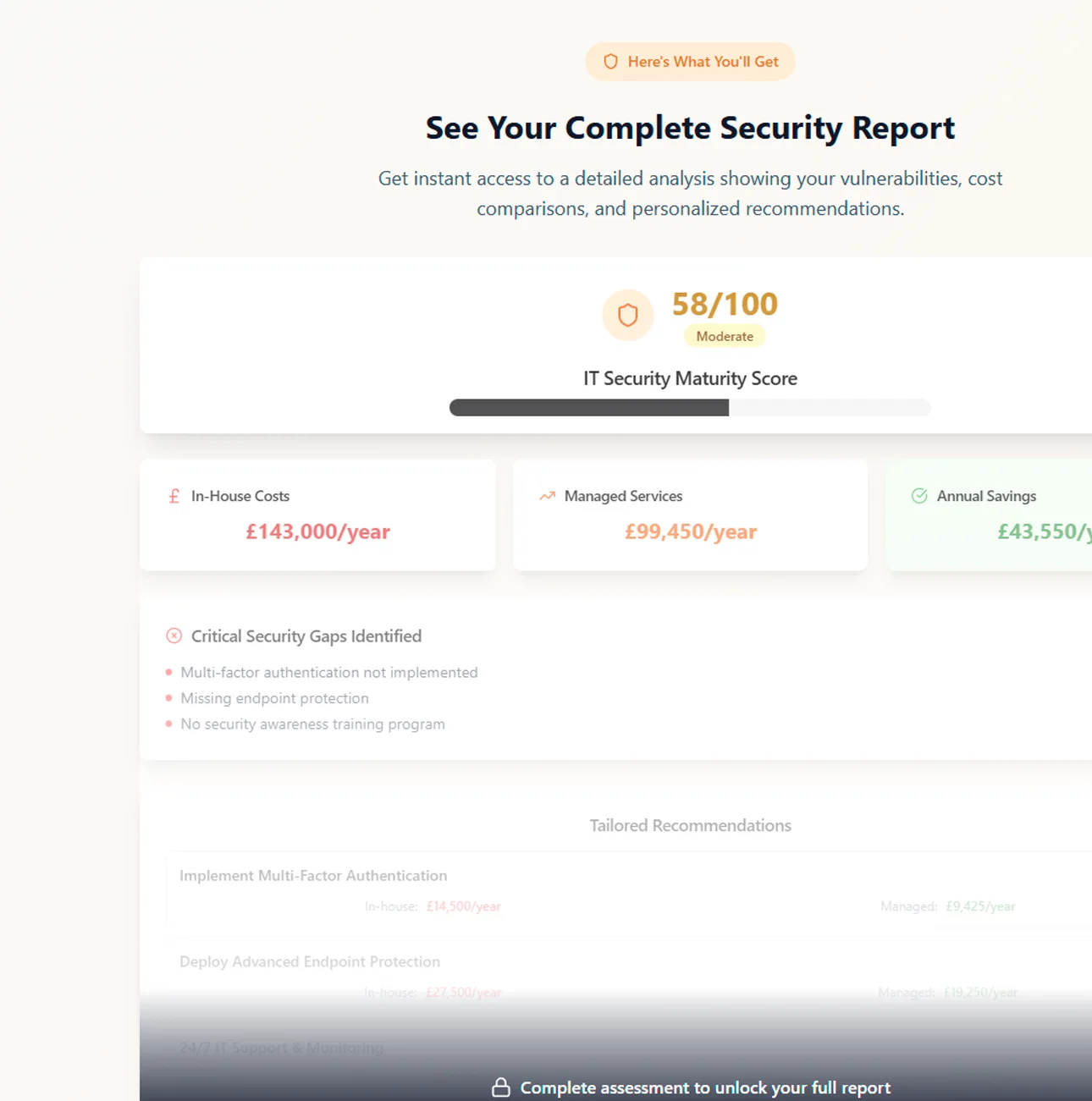
Get a comprehensive analysis of your IT infrastructure and security posture. See exactly where you're vulnerable and how much it's costing your business.