Case Study: How myCare Moved from Five Servers to the Cloud
Cloud migration Aberdeen case study: how Alto moved home care provider myCare from five ageing servers and slow VPNs to Microsoft 365 in a single…


Quick answer: The safest way for most UK SMEs to use AI is to start with the tools already inside their Microsoft 365 subscription. Copilot Chat is included with Business Premium, E3 and E5 licensing, sits inside your existing Microsoft security boundary, and doesn’t use your prompts to train public models. Pair it with a one-page AI usage policy and a simple rule, AI drafts, humans decide, and you get the productivity gains without the data risk.
The most common AI question I get from business owners isn’t “should we use AI?” It’s “which one?”, usually followed by a list of tools their team is already using without telling them.
Here’s the answer I give every time, and it surprises people: the best AI model is not the best AI for your business. The most secure one is.
ChatGPT, Gemini and Claude are remarkable tools. But on consumer accounts, what you type may be used to improve future models; your data leaves your control the moment you press enter. There are ways to make these tools private, but if you’re in the early stages of AI adoption, you’re much safer starting with something that can be secured by default.
For most SMEs, that’s Microsoft Copilot, for one simple reason: it sits inside the Microsoft 365 security model you already pay for. Your prompts stay within your tenant, your existing permissions apply, and it can be effectively firewalled from the outside world.
You already have controls for finance, HR, and health and safety. AI is just another area that needs the same discipline, and Copilot lets you apply the discipline you’ve already built.
This catches a lot of businesses out, so here it is in plain English:
Copilot Chat is included with Microsoft 365 Business Premium, E3 and E5 subscriptions at no extra cost. It gives you secure, private access to a frontier AI model, think “private ChatGPT”, for drafting, summarising, brainstorming and research. Chat only, but for many teams, that’s 80% of the value.
Microsoft 365 Copilot is a paid add-on (per user, per month). It works inside your apps, Word, Excel, Outlook, Teams, and can reason over your company data: summarising your meetings, drafting from your documents, answering questions from your files. This is where AI moves from “useful assistant” to “knows your business.”
The practical advice: switch on Copilot Chat for everyone today (you’re likely already paying for it), then pilot Microsoft 365 Copilot with a small group whose work is document- and meeting-heavy. Measure the time saved before rolling it out wider.
Prompting is just the skill of asking better questions so the AI gives you better answers. We use a simple framework called ACT:
Three lines, dramatically better output. Teach this in a 15-minute team session, and you’ll double the value your people get from any AI tool.
AI can be wrong with complete confidence; it hallucinates facts, figures and references. So one rule governs everything:
AI drafts, humans decide. You are the head chef. Nothing leaves the kitchen, no email to a customer, no figure in a report, no published page, without a person checking the plate first.
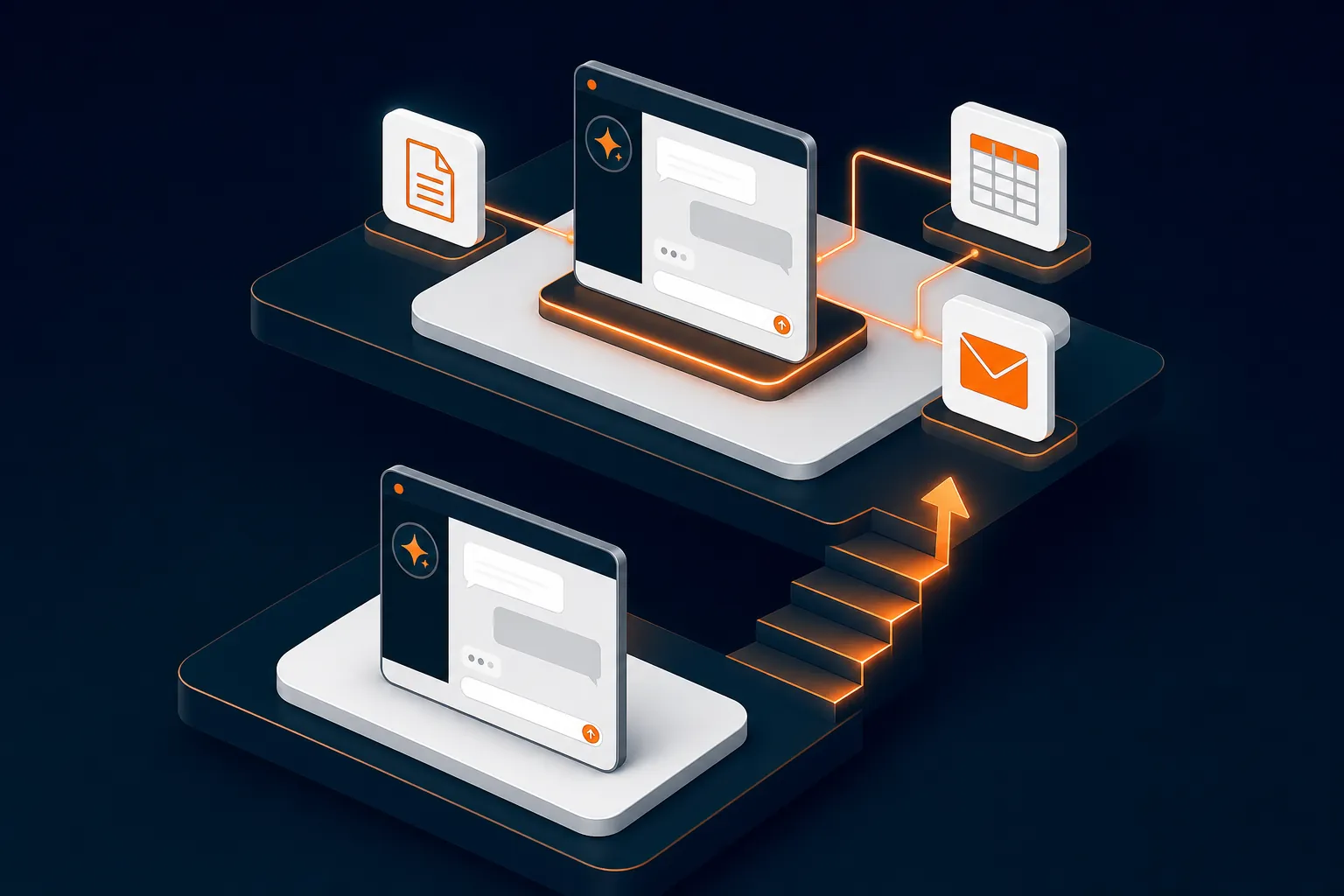
This matters even more as businesses move from prompts to agents: automated processes in which AI interprets data and automation handles repetitive steps. Done well, agents are transformative; we’ve seen month-end processes cut from three days to one. But the principle holds: automation handles the predictable, AI makes the judgment, and humans approve what matters. It’s not human in the loop; it’s human in control.

Here’s the gap most SMEs miss: you can secure AI on work machines perfectly and still leak data through staff phones and home laptops. Personal devices are the unmonitored conduit between your company data and consumer AI.
Microsoft 365 Business Premium includes the tools to close this gap:
If your team works on their own devices and none of these is configured, that’s a bigger AI risk than anything happening on your office PCs.

Different AI models genuinely have different strengths, and some teams will want access to more than one. An emerging answer is the AI gateway: a single, controlled conduit through which all AI traffic passes, where usage is logged, sensitive data can be redacted automatically, and zero-data-retention terms are enforced for each provider. One auditable front door instead of fifty personal accounts. Expect to hear much more about this approach over the next year.
A simple policy and sensible platform choices are far cheaper than a breach or a conversation with the ICO.
A one-page policy you can adapt for your business in under 15 minutes. No jargon, no fluff.
Is Microsoft Copilot safe for business use? Yes, it’s one of the safest mainstream options for SMEs, because it operates inside your existing Microsoft 365 security boundary. Your prompts and data stay within your tenant and aren’t used to train public AI models. Like any tool, it’s only as safe as your underlying Microsoft 365 configuration, so permissions and access controls still matter.
Is Copilot Chat really free with Microsoft 365? Copilot Chat is included with Microsoft 365 Business Premium, E3 and E5 subscriptions at no additional cost. The full Microsoft 365 Copilot, the version that works inside Word, Excel, Outlook and Teams with your company data, is a paid per-user add-on.
What’s the difference between Copilot and ChatGPT for business? Functionally, they’re similar AI assistants. The difference is control: Copilot runs inside your Microsoft security and compliance boundary, while consumer ChatGPT accounts sit entirely outside your control and may use your inputs to improve future models. ChatGPT does offer business tiers with stronger protections, but they must be deliberately selected and configured.
Does Copilot use my company data to train AI models? No. Microsoft states that prompts and data from Microsoft 365 Copilot and Copilot Chat (when signed in with a work account) are not used to train its foundation models. The work account part is key; staff using personal Copilot or ChatGPT accounts don’t get that protection.
How do I stop staff from pasting company data into personal AI apps on their phones? Through device and app management in Microsoft 365 Business Premium, which includes Conditional Access and app protection policies that can block company data from being copied from work apps into personal ones. Combine the technical controls with a clear AI usage policy so staff understand the why, not just the rules.
What is an AI gateway? An AI gateway is a single controlled route through which all of a business’s AI traffic passes. It lets a business offer staff access to multiple AI models (such as Claude, Gemini and ChatGPT) while logging usage, automatically redacting sensitive data, and enforcing zero-data-retention agreements with each AI provider. It’s an emerging approach for businesses that want multi-model AI access without losing visibility or control.
Bruce Skinner is CEO of Alto, a proactive IT and cybersecurity partner for UK SMEs. If you’d like help switching on Copilot securely, configuring Conditional Access, or writing an AI policy your team will actually follow, get in touch.