How to Spot a Phishing Email in 2026 (They’ve Got Better)
How to spot a phishing email in 2026: AI has fixed the typos, so judge the request instead. The warning signs that still work, plus…


Quick answer: Banning AI at work doesn’t work. Staff just move it onto their phones, where you have zero visibility. The fix is a short list of approved tools matched to actual tasks, a data rule that says what can never go near them, and the technical controls to make the list stick on company devices. A policy nobody enforces is just a suggestion.
You’ve picked your approved AI tools. You’ve published a data policy. Job done, right?
Not quite. A shortlist on a page is a good start. A shortlist nobody can bypass is a policy that actually works.
The businesses getting real value from AI right now aren’t the ones chasing every new launch. In a recent employer roundtable on workplace AI adoption, the pattern that came up again and again was simple. Match the tool to the task, and stick with a small set of tools you actually know well.
Copilot for teams already living inside Microsoft 365 (we cover how to use AI and Copilot safely in a separate post). Claude for close analysis work. Gemini for teams that already use Google by default. None of these choices was about brand loyalty. They were about which tool did that specific job well, without staff spending half their week evaluating whatever launched that month.
For an SME, that translates into a simple rule. Don’t try to give your team access to everything. Give them two or three tools that cover the tasks they actually do, and get good at using those.

Here’s the part most businesses get backwards. The risk was never really about which AI app someone opens. It’s about what they type into it.
A well-built AI policy doesn’t need to ban personal AI accounts outright. Using a personal ChatGPT account to draft a LinkedIn post from public information is low risk. Using that same account to draft a client proposal with real figures in it is not. The tool is identical in both cases. The data is what changes the risk.
That’s why we recommend the same traffic light rule we cover in our AI usage policy template.
Staff can hold that rule in their head. A forty-page policy document, they can’t.
This is the bit most SMEs miss, and it’s the reason Shadow AI creeps back in even after a policy gets published.
You can approve Claude for your team, and someone will still sign up for a personal Claude account within a week. You can leave DeepSeek off the list entirely and someone will still install it, or try an AI note-taking app you’ve never heard of, because it looked useful on their phone. Publishing the list doesn’t stop any of that on its own.
On company-owned devices, you can actually make the shortlist stick using tools you likely already have in your IT stack.
Application allow listing tools like ThreatLocker let you control exactly which software and AI apps are permitted to run on a company machine, and block everything else by default, rather than trying to block every new tool as it appears.
Web content filtering and firewall rules let you block access to unapproved AI sites and categories at the network level, so an unapproved tool simply won’t load on a work connection.
Mobile application management and mobile device management, through platforms like Microsoft Intune, let you control what apps can be installed on company-owned phones and tablets, keeping the shortlist consistent across laptops and mobile devices alike.
Used together, these give you a genuine technical backstop behind the policy, not just a document staff are trusting to remember.

None of this stops someone from using a personal AI tool on their own phone, on their own data plan, outside work hours. That was never a technical problem to solve. It’s a culture and awareness problem, and it’s exactly why the data rule matters more than the app rule. You can’t put a firewall around someone’s own phone. You can make sure they understand what should never be typed into any AI tool, company-approved or not.
A newer type of AI tool is starting to appear, and it deserves caution rather than a green light just yet. Agentic AI browsers, the kind that can click through pages, fill in forms, and take actions on a website on a user’s behalf, are increasingly capable but carry a risk most SMEs haven’t had to think about before. A malicious or compromised web page can hide instructions inside its content that the AI reads and follows without the user ever seeing them, a technique known as prompt injection. Until the guardrails around this category mature, we’d treat these tools as red rather than adding them to an approved list, no matter how impressive the demo looks.
Your list doesn’t need to be long. It needs to cover the tasks your team actually does, day to day: drafting, meeting notes, research, proofreading, presentation design, and nothing more exotic than that.
We’ve put together a starting template covering the categories most SMEs need: everyday writing assistants, voice and note-taking tools, AI-powered research, and design tools, each with a note on what it should and shouldn’t be used for. Add to it, remove from it, and make it yours.
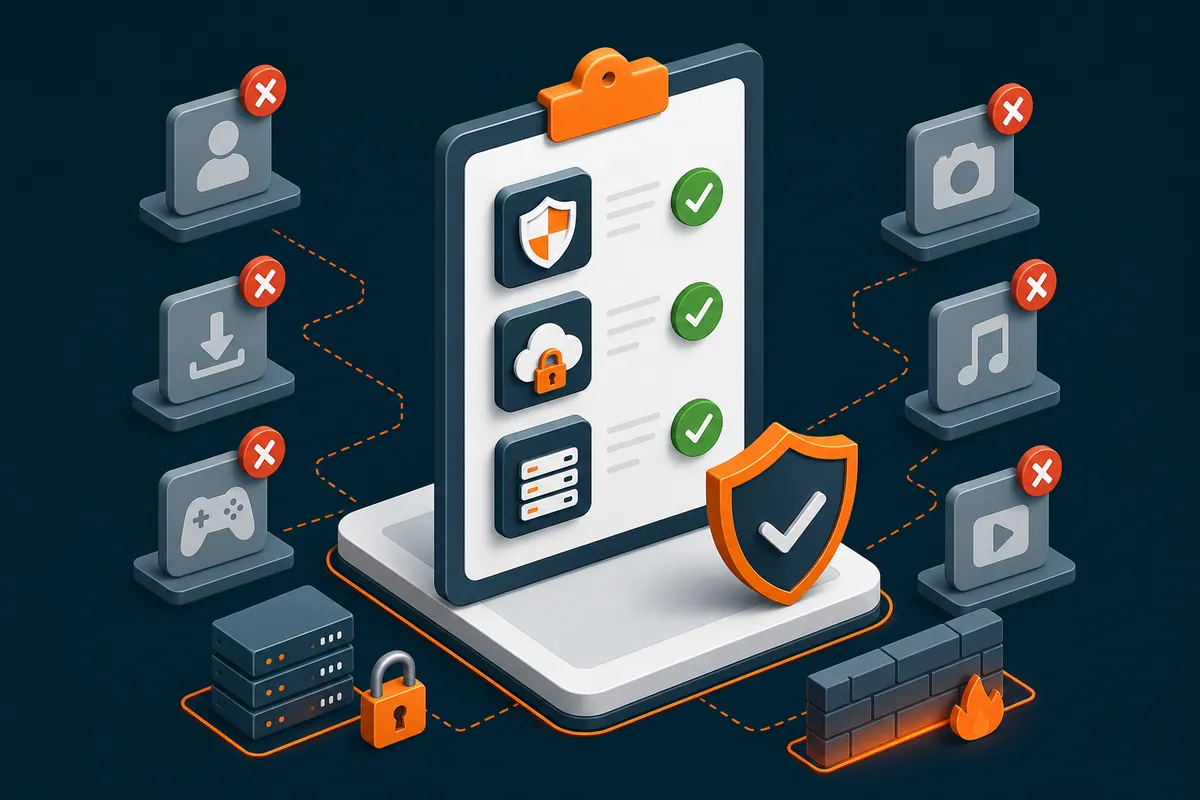
A shortlist tells your team what’s allowed. Enforcement tells your business it’s actually happening. Do both, and you keep the productivity gains of AI without the risk of no one knowing what’s really being used.
A ready-made shortlist covering the AI tools most SMEs need, with approved uses and account rules. Customise it for your business in minutes.
Find out how to take control of AI in your workplace, with practical steps you can act on straight away.
No. Banning AI tools at work pushes usage onto personal phones where the business has no visibility or control at all. The more effective approach is an approved shortlist paired with technical enforcement on company devices.
Two or three tools covering the tasks staff actually do is usually enough. A shortlist that maps to real tasks like drafting, meeting notes, and research works better than a long list of tools nobody has time to learn properly.
The right choice depends on the task rather than the brand. Copilot suits teams already running on Microsoft 365, Claude is often preferred for close analysis work, and Gemini fits teams already using Google Workspace.
Application allow listing tools such as ThreatLocker can block any software or AI app that isn’t on an approved list by default, rather than trying to blacklist every new tool as it appears.
Yes. Web content filtering and firewall category rules can prevent unapproved AI sites from loading on a work connection, giving a technical backstop behind a written policy.
Mobile device management and mobile application management, through platforms like Microsoft Intune, let a business control which apps can be installed on company-owned phones and tablets.
Not fully, and trying to block personal devices outright isn’t realistic. The safeguard that actually works is a clear rule about what data should never be typed into any AI tool, company-approved or personal.
An AI usage policy sets the rules for what data is safe to share with AI tools. A tools shortlist names the specific approved apps allowed under those rules. A business needs both, and they should reference each other.
Customer data, employee data, pricing information, passwords, and contract details should never go into a consumer AI tool. A simple green/amber/red system helps staff remember this without needing to read a long policy document.
Yes. Shadow AI, meaning unapproved AI tools used without business oversight, creates data leakage risk, GDPR exposure, and no audit trail of what was shared or by whom.
Not yet, for most small businesses. Agentic AI browsers that click through pages and take actions on a user’s behalf can be manipulated through prompt injection, where hidden instructions on a malicious webpage are followed by the AI without the user seeing them.
Prompt injection is when hidden instructions embedded in content, such as a webpage, cause an AI tool to take an unintended action. It’s a growing concern for AI browser agents specifically, since they can click links and fill in forms based on what they read.
Bruce Skinner is CEO of Alto, a proactive IT and cybersecurity partner for UK SMEs. If you’d like help building an AI tools shortlist your team will actually stick to, get in touch.