What to Do When Microsoft 365 Goes Down: A Continuity Plan for Aberdeen Businesses
Microsoft 365 outage? What to do in the first hour, plus a simple one-page continuity plan so email, calendar and data stay protected in your…


Quick answer: If your business email has been hacked, act in this order: reset the password and sign the account out of every device, turn on multi-factor authentication, then check for hidden forwarding and inbox rules the attacker may have set up. Next, warn your contacts and finance team, and review what was sent from the account. Most compromised email accounts can be contained within an hour if you move quickly and in the right order.
It usually starts with a phone call. A customer rings to ask why you sent them a strange link. Or a supplier queries an invoice you never sent. Or a colleague notices replies arriving to emails nobody remembers writing.
However you find out, the feeling is the same: someone else has been inside your mailbox. This guide sets out what to do in the first hour, how to tell how far the problem has spread, and the controls that stop it happening again. It is written for owners and managers of Aberdeen businesses with 10 to 100 staff, most of whom run Microsoft 365.
Some signs are obvious. Others are easy to miss for weeks. Look out for:
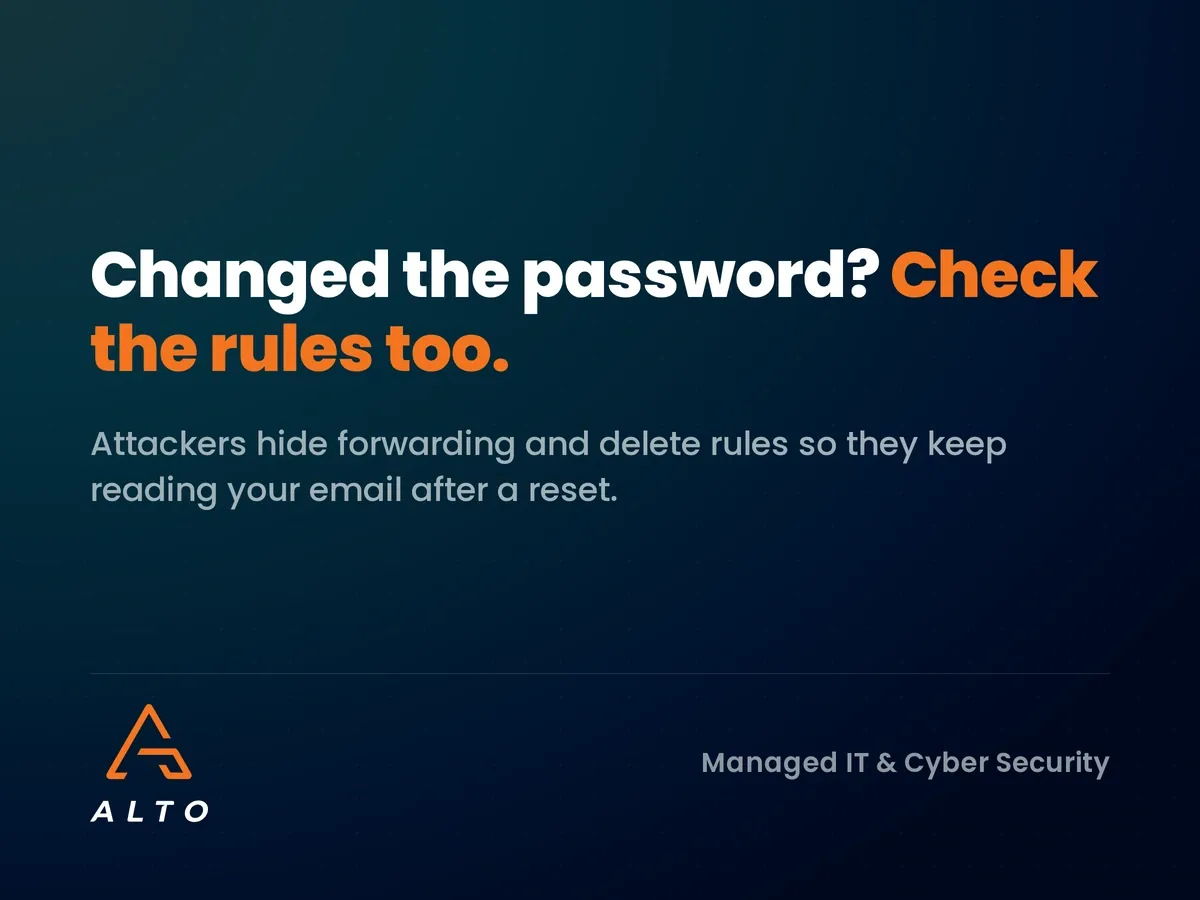
That last point matters most. A careful attacker does not want to be noticed, so they quietly set up rules that forward copies of your email elsewhere or move certain replies straight to a hidden folder. Everything looks normal to you while they read along.
Speed matters more than perfection here. Do these steps in order.
Use a device you trust, not the one you suspect may be infected. Choose a long, unique password that you have never used anywhere else. If the old password was reused on other services, change those too.
Changing the password alone does not always throw an attacker out. In Microsoft 365, an administrator can revoke all active sessions for the user so every device has to sign in again. Ask your IT provider to do this straight away if you are not sure how.
Where multi-factor authentication (MFA) was not on, switch it on now. If it was on, check which phones and authenticator apps are registered to the account and remove any you do not recognise. Attackers sometimes add their own device so they can get back in later. Our guide to why multi-factor authentication is essential explains the options.
Once the door is shut, check what was left behind.
Open the mailbox settings and look at every inbox rule. Delete any you did not create, especially rules that forward mail outside the business, move messages to Archive, RSS or Deleted Items, or mark emails as read. Also check the account-level forwarding setting, which is separate from inbox rules.
Look through the Sent and Deleted folders for the period you think the attacker had access. Attackers often send phishing emails to your contacts, then delete the evidence. Make a note of who was contacted.
Some attacks grant a malicious app permission to read the mailbox. Your IT provider can review app consents and any other users who have been given access to the account. Remove anything that is not needed.
Microsoft 365 records where and when the account signed in. These logs help you work out when the compromise started and whether other accounts were targeted from the same location.
Not every hacked mailbox is a full-blown incident. A simple traffic light check helps you decide how far to escalate.
Landed in red? Our guide to what happens after a cyber attack walks through the first 72 hours in detail.
It is tempting to fix things quietly. Resist that. Telling people early limits the damage.
Where the attacker could have accessed personal data, such as customer details, staff records or health information, you may need to report the breach to the Information Commissioner’s Office within 72 hours of becoming aware of it. Not every incident meets that threshold, but the decision should be made deliberately and written down.
You can also report cyber crime to Police Scotland by calling 101. If money has been lost, contact your bank immediately, because the chance of recovering funds drops quickly with every hour.
A compromised mailbox is valuable to criminals because people trust it. Once inside, an attacker can reply within real conversations, using your signature and your tone, and ask a customer to pay into a “new” account.
This is why a hacked email account and a lost payment so often turn up together. Our post on invoice fraud and why fake invoices look real now covers the payment controls that stop this second stage, including the simple rule of verifying bank detail changes by phone.
Understanding the cause helps you close the gap. The most common routes are:
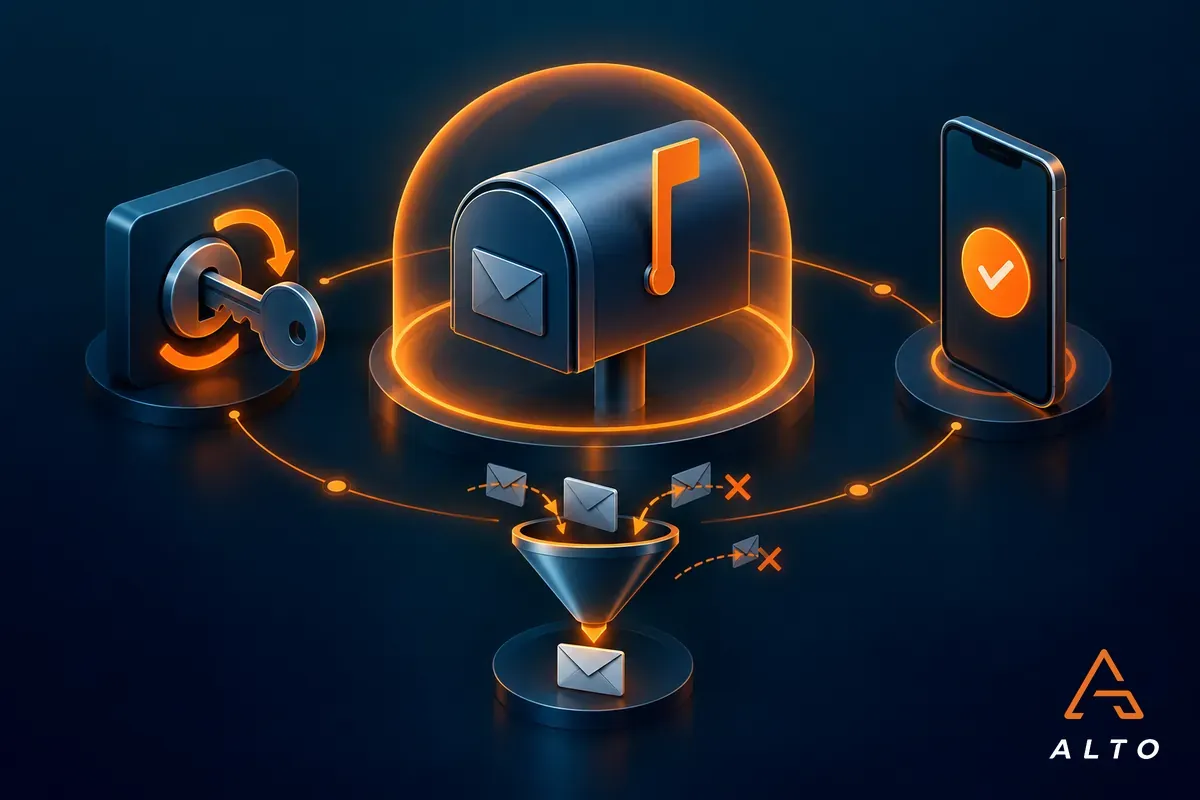
Containment fixes today’s problem. These controls make the next attempt much harder.
Not just the directors. Every account, including shared mailboxes that people sign into, should require a second factor. Number-matching prompts reduce the risk of MFA fatigue attacks.
Microsoft 365 lets you stop mailboxes forwarding email to external addresses by default. This one setting removes a favourite attacker trick.
Alerts for unusual sign-ins, new forwarding rules and mass email sending give you a chance to act within minutes rather than weeks.
Short, regular reminders work better than an annual session. Make it easy and blame-free for people to say “I think I clicked something”.
Your Microsoft Secure Score highlights the settings that would make the biggest difference to your email security, ranked by impact.
Reset the password from a clean device, sign the account out of all sessions, and turn on multi-factor authentication. Then check inbox rules and forwarding for anything the attacker set up.
No. Attackers often leave forwarding rules, connected apps or their own MFA device behind, which let them keep reading email or get back in after a password change.
Yes, if there is any chance they received emails from the attacker. A short warning not to click links or act on payment changes protects them and your reputation.
Only if personal data was likely accessed and the breach poses a risk to people’s rights. If it does, you must report within 72 hours, so assess it quickly and record your decision.
Enforce MFA for every account, block external auto-forwarding, set up suspicious activity alerts and give staff regular, practical phishing awareness reminders.
Whether you have just dealt with a hacked mailbox, or you would rather never have to, Alto can help. We offer a free email security review for Aberdeen businesses, checking MFA coverage, forwarding settings, alerts and sign-in risk across your Microsoft 365 tenant.
Book your free email security review and find out where the gaps are before an attacker does.