Invoice Fraud: Why Fake Invoices Look Real Now (and How to Stop Paying Them)
10th November, 2026
Quick answer: Invoice fraud is when criminals trick your business into paying a fake invoice or sending a genuine payment to their bank account instead of your supplier’s. Fake invoices look real now because attackers often send them from a hacked supplier mailbox, reply inside a real email thread and use AI to copy the supplier’s tone. The fix is a simple rule: verify any change to bank details by phone, on a number you already hold.
A finance assistant gets an email from a supplier you have used for years. Same name, same signature, same thread as last month’s order. The message says the supplier has moved banks and asks that this month’s invoice goes to the new account. The invoice looks right, the amount looks right, and the payment goes out on Friday.
Nobody notices until the real supplier chases the unpaid bill three weeks later. By then the money has usually moved through several accounts and is very hard to recover.
This is invoice fraud, and it is one of the most common ways growing businesses lose money to cyber crime. This guide explains how it works, why the fakes are so convincing in 2026, and the practical controls that stop it in an Aberdeen business with 10 to 100 staff.
What is invoice fraud?
Invoice fraud covers any scam where a criminal gets your business to pay money it should not. In practice it takes three main forms:
Bank detail change fraud: a real supplier, a real invoice, but the payment is redirected to the criminal’s account.
Fake invoices: a convincing invoice for goods or services you never received, often for a plausible amount such as a renewal or a domain fee.
CEO or director fraud: an email that appears to come from a senior person asking finance to make an urgent payment.
The first type does the most damage, because everything about the request is genuine apart from the account number. Your team is paying a bill it expects to pay.
How business email compromise makes fake invoices look real
Most serious invoice fraud starts with business email compromise, often shortened to BEC. A criminal gets into a real mailbox, either yours or your supplier’s, usually through a phishing email or a reused password.
Once inside, they rarely act straight away. They read. They learn who pays whom, when invoices go out and how people sign off their emails. Some set up hidden mail rules so replies from finance are quietly moved out of the real user’s sight.
When a payment is due, they step in. The email comes from the genuine address, inside the genuine thread, at the expected time. Traditional advice such as “check the sender address” does not help when the sender address is real.
We cover the warning signs of a hacked mailbox in our guide to what happens after a cyber attack, including why hidden forwarding rules are one of the first things we check.
Why fake invoices are harder to spot in 2026
A few years ago, many fraud emails gave themselves away. The spelling was off, the tone was strange or the logo was blurry. Those clues are disappearing for three reasons.
AI writes like your supplier
Generative AI tools can copy a writing style from a handful of real emails. Criminals no longer need good English or local knowledge. The message reads like the person it claims to be from, right down to the sign-off.
Lookalike domains are cheap
Where criminals cannot get into a real mailbox, they register a domain that differs by one character, such as a swapped letter or an added hyphen. On a phone screen, “suppl1er.co.uk” and “supplier.co.uk” look identical at a glance.
Invoices are easy to copy
A PDF invoice is just a document. Once a criminal has seen one real invoice from a supplier, they can reproduce the layout, the logo and the reference format exactly. The only thing they change is the bank details.
The clues have moved from how an email looks to what it asks you to do. Train your team to pause when they see any of these:
A request to change bank details, especially by email alone
Pressure to pay quickly, or a reason why the usual process cannot be followed
A new contact at a familiar supplier who “is covering” for your usual person
A request to keep the payment confidential, or to avoid phoning
An invoice that arrives outside the normal billing cycle
A reply address that differs from the sender address
None of these prove fraud on their own. Each one is a reason to verify before money moves.
Five controls that stop invoice fraud
The good news is that invoice fraud is one of the most preventable cyber crimes. The controls are mostly process, not expensive technology.
1. Call back on a number you already hold
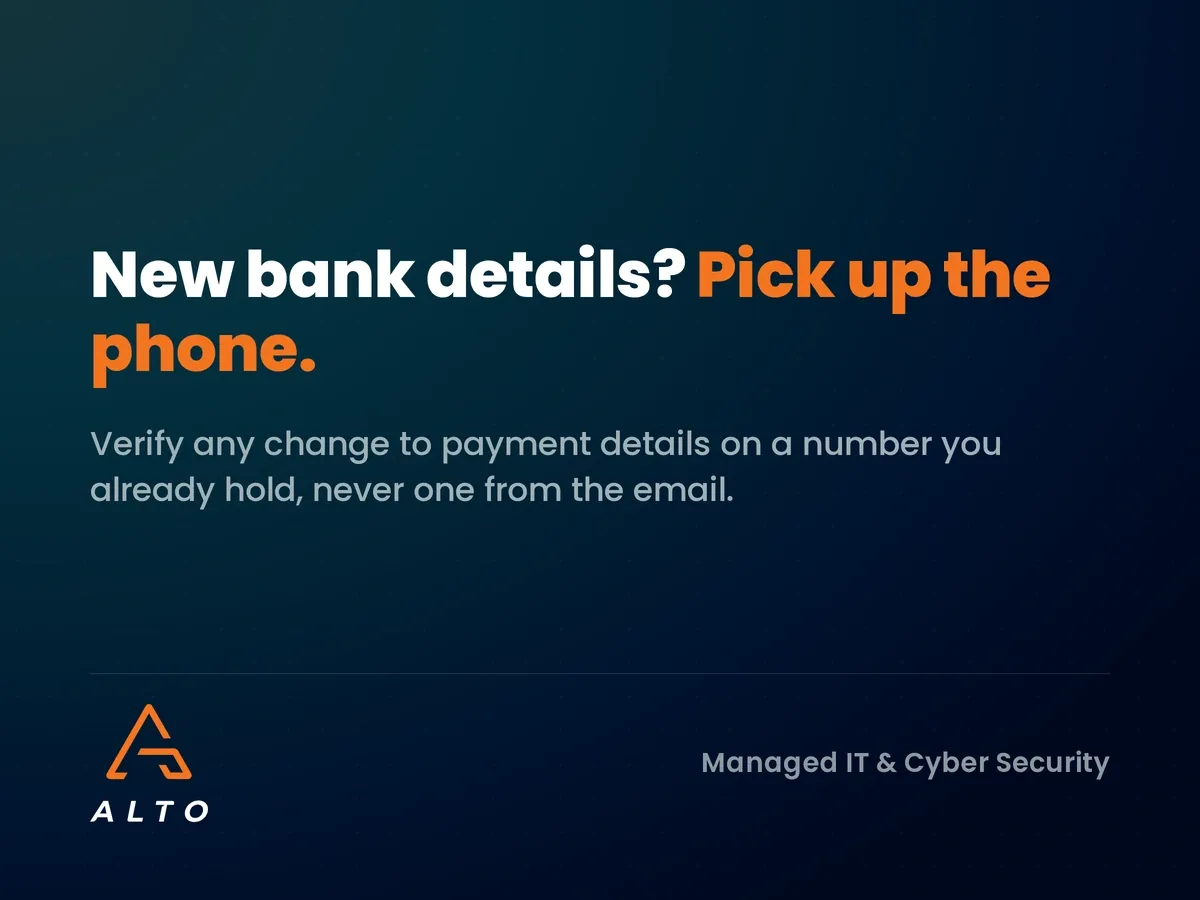
Any request to change payment details must be confirmed by phone, using a number from your own records or the supplier’s website. Never use a phone number from the email that made the request. This single rule stops most bank detail change fraud.
2. Require two people for new or changed payees
Set up your banking so that adding a new payee or changing an existing one needs a second person to approve it. Most UK business banking platforms support dual authorisation. It adds a minute to the process and removes a single point of failure.
3. Use Confirmation of Payee properly
UK banks check whether the account name matches the name you entered. If you get a “no match” or “close match” warning, stop and verify. Treat that warning as a red flag, not an inconvenience to click past.
4. Protect your mailboxes with MFA
Business email compromise usually starts with a stolen password. Multi-factor authentication on every Microsoft 365 account makes a stolen password far less useful. Read why multifactor authentication is essential if you have staff who still sign in with a password alone.
5. Watch for suspicious mailbox activity
Alerts for new forwarding rules, sign-ins from unusual countries and mass deletion of emails can catch a compromised mailbox before a payment goes out. This is the kind of monitoring a managed security service runs in the background.
Use the traffic light approach for payment requests
At Alto we like simple rules that people actually follow. A traffic light framework works well for finance teams:
Green: a known supplier, known bank details, expected invoice, normal amount. Pay through the usual process.
Amber: something is new or different, such as a new supplier, an unusual amount or a change of contact. Check with a colleague before paying.
Red: any change to bank details, any urgency or secrecy, any request from a director outside the normal process. Stop and verify by phone before anything else happens.
Pin it next to the people who approve payments. The aim is to make “I just phoned to check” a normal part of the job, not an awkward exception.
What to do if you think you have paid a fake invoice
Speed matters more than anything else. If a payment has gone to the wrong account:
Call your bank immediately on the number on your card or banking app. Ask them to try to recall or freeze the payment.
Report it to Action Fraud (or Police Scotland on 101 for businesses in Scotland).
Tell your IT provider so they can check whether a mailbox was compromised, reset passwords and remove any malicious mail rules.
Warn the real supplier, because their mailbox may be the one that was breached.
Check your cyber insurance policy and notify your insurer early. Our guide to cyber insurance requirements in 2026 explains what insurers expect to see.
Do not delete the emails. They are evidence, and your IT provider will need them to trace how the attack happened.
Why this matters for Aberdeen businesses
North East businesses, particularly those in the energy supply chain, often pay large invoices to a long list of suppliers and subcontractors. That combination of regular, high-value payments and busy finance teams is exactly what invoice fraudsters look for.
Smaller firms are not safe either. A criminal who compromises one supplier’s mailbox can target every customer on that supplier’s books, so a small business can be the route in to a larger one. Strong email security protects your own money and your reputation with the businesses you supply.
How Alto helps prevent invoice fraud
In our work with SME clients, invoice fraud rarely comes down to one failure. It is usually a missing MFA prompt, a mail rule nobody spotted and a payment process that trusted email. Fix those three and the risk drops sharply.
Alto’s cyber security services in Aberdeen cover the technical side: MFA everywhere, email filtering, lookalike domain detection and monitoring for suspicious mailbox activity. We also help you write a short payment verification process your finance team will actually use.
Frequently asked questions
What is the difference between invoice fraud and business email compromise?
Business email compromise is the method, where a criminal gets into or impersonates a real email account. Invoice fraud is often the goal, where that access is used to get a fake or redirected payment made.
Will my bank refund money lost to invoice fraud?
It depends. Banks may recover funds if you report quickly, and some business payments are covered by reimbursement rules, but many are not. Treat recovery as uncertain and focus on prevention.
How can I tell if a supplier’s bank details change is genuine?
Phone the supplier on a number you already hold, not one from the email, and speak to someone you know. A genuine supplier will expect and welcome the check.
Does Cyber Essentials help prevent invoice fraud?
Cyber Essentials covers controls such as secure configuration and MFA that make email compromise harder. It does not cover payment processes, so you still need a call-back rule for bank detail changes.
Who should be trained to spot invoice fraud?
Everyone who handles invoices or approves payments, plus directors whose names could be impersonated. A short session once a year, refreshed when new scams appear, is usually enough.
Is your finance process one email away from a fake payment?
If a convincing email asked your team to change a supplier’s bank details tomorrow, would anyone pick up the phone? Alto offers a free email security review for Aberdeen and North East businesses. We will check your mailboxes for warning signs, confirm MFA is in place and help you set a payment verification rule that sticks. Talk to our cyber security team to book yours.
Patch Tuesday October 2026 fixed over 1,400 Microsoft flaws, including an exploited zero-day. What it means for your business and how to prioritise updates.
We worked with Aberdeen oil service company, Unity Well to migrate the management of their devices from on-site infrastructure to Microsoft’s cloud based Azure Active…
We completed a data migration project for an Aberdeen engineering company, Caledonia Services. We migrated their corporate data from on-site infrastructure to cloud based storage…
✓ Takes 3 minutes ✓ No obligation ✓ Instant results
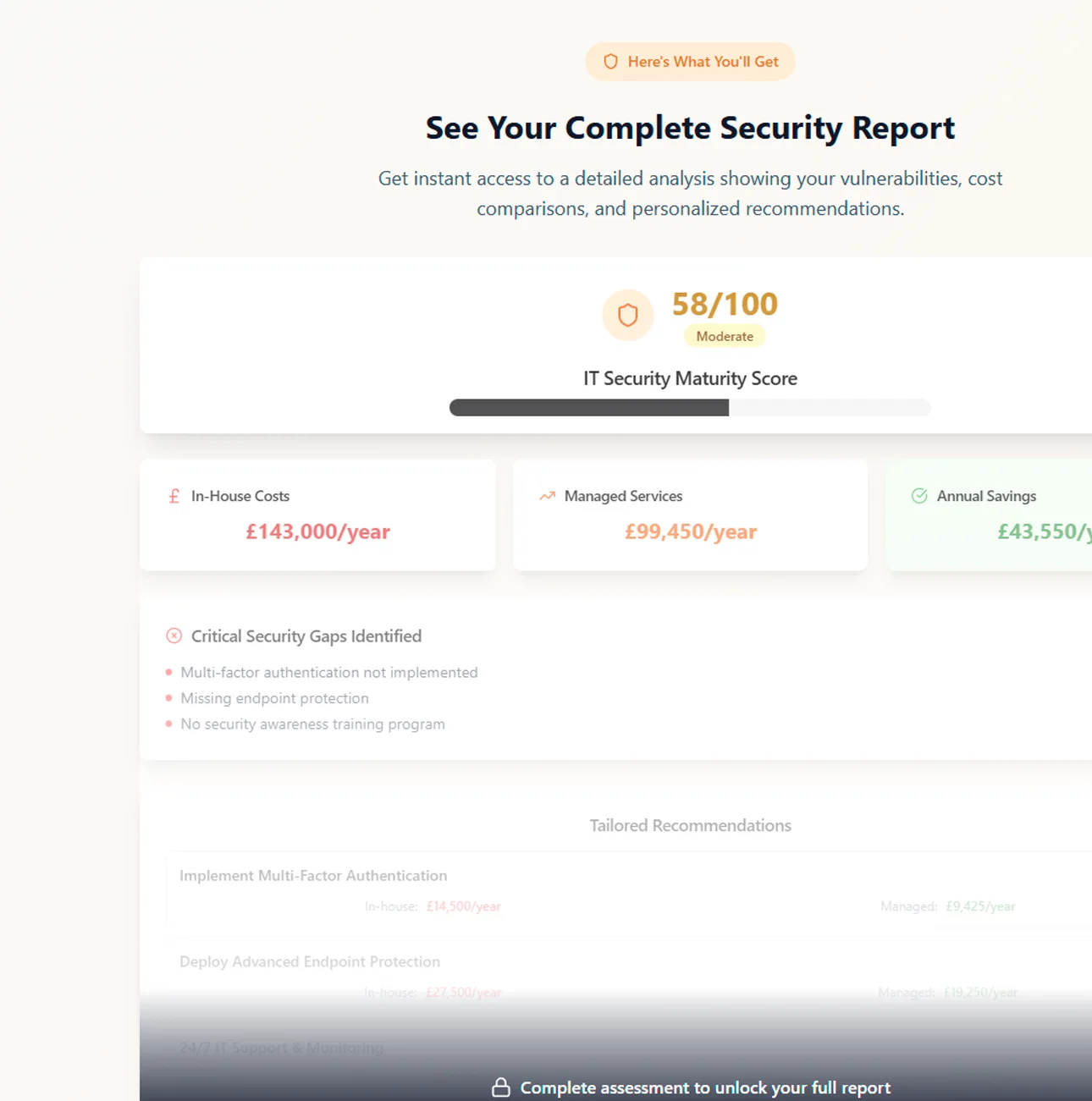
Get a comprehensive analysis of your IT infrastructure and security posture. See exactly where you're vulnerable and how much it's costing your business.