Cloud vs On-Premise in 2026: A Decision Framework for Aberdeen SMEs
Planning a cloud migration in Aberdeen? Use our workload-by-workload framework to decide what moves to the cloud, what stays on-premise, and what it costs.


Quick answer: To measure the ROI of AI, pick two or three specific tasks, record how long they take today, then compare after 60 to 90 days of real use. Count hours saved, errors avoided and work that now gets done, and set that against licence, setup and training costs. Most AI productivity gains for a business show up in small, repeated tasks, not in one dramatic transformation.
Every business owner we speak to in Aberdeen has heard the big claims. AI will save hours a week, double output, change everything. Then the invoice for a few dozen Copilot licences lands, and a simple question follows: is this actually paying for itself?
It’s a fair question, and most vendors don’t help you answer it. This post sets out the approach we use with clients to measure AI productivity gains in plain numbers, so you can decide where to spend more, where to hold, and where to stop.
The usual pattern goes like this. Licences get bought, a few enthusiastic staff start using the tools, and everyone else carries on as before. Six months later nobody can say what changed, because nobody wrote down what “before” looked like.
There are three common gaps:
None of this needs a consultant or a data team. It needs a spreadsheet and some discipline.
The biggest mistake is to start from the software and look for a use. Start from the work instead. Ask each team lead a simple question: which tasks eat time every week and follow a similar pattern each time?
In our work with SME clients, the same candidates come up again and again:
Pick two or three. Not ten. A narrow pilot gives you numbers you can trust, and it’s far easier to train people on a handful of clear uses.
Before anyone changes how they work, spend a week recording the current state. Keep it light, or people won’t do it.
For each chosen task, capture:
Multiply time by volume by hourly cost and you have the monthly cost of that task today. That figure is your baseline, and it’s the number every later saving gets measured against.
Return on investment has two halves, and the cost side is often understated. Licence fees are the obvious part. They are rarely the whole picture.
Licences are the headline figure. Microsoft 365 Copilot is a paid add-on per user, while Copilot Chat comes included with eligible Microsoft 365 business plans. It’s worth knowing the difference before you buy, and our guide to your first 30 days with Microsoft Copilot explains it.
Leave these out and your ROI looks better on paper than it will in practice.

Give the pilot at least two months. The first few weeks are slower while people learn, so measuring too early understates the benefit.
Then repeat the baseline exercise for the same tasks. Compare time per task, volume and quality. A simple table per task works well:
| Measure | Before | After 90 days |
|---|---|---|
| Time per proposal | 90 minutes | 50 minutes |
| Proposals per month | 12 | 14 |
| Rework requests | 3 | 1 |
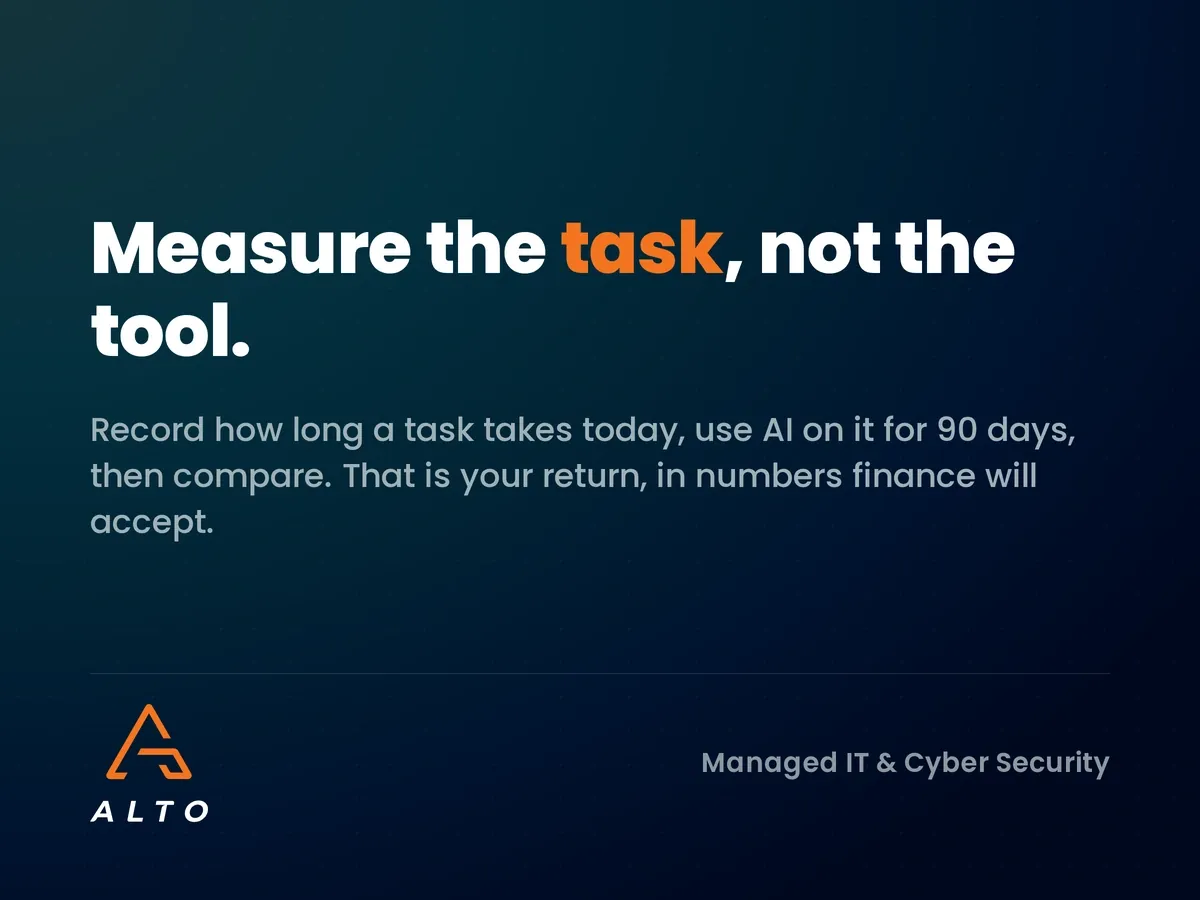
In that example, the saving is 40 minutes on each of 12 proposals, around eight hours a month, before counting the extra two proposals the team now has capacity for. Put a value on those hours and compare it to the cost per user. That’s your return, in numbers your finance lead will accept.
Once you have results, sort each use case into one of three groups.
This keeps the conversation honest. Not every use case will work, and that’s fine. The point is to spend money where the numbers support it.
Some benefits won’t fit neatly in a spreadsheet, but they still count. Staff often report less time on tedious work and more on client-facing tasks. New starters get up to speed faster when they can ask questions of company documents. Responses to clients go out sooner.
Record these as notes alongside the hard figures. Just don’t let them carry the whole case. If the only argument for a tool is “people like it”, treat it as amber at best.
A tool that saves ten hours a month but leaks a client contract has a negative return. Risk belongs in the calculation.
Before you scale any use case, check three things:
For a practical way to choose which tools are allowed in the first place, see you don’t need to ban AI, you need a shortlist.
Pulling it together, here’s the plan we suggest to growing businesses:
It’s not complicated. What makes it work is doing it deliberately, rather than buying licences and hoping.
Most teams see early gains within a few weeks, but a fair measurement needs 60 to 90 days. The first month includes a learning curve, so measuring too soon understates the benefit.
It depends on how much repeated writing, summarising and searching your staff do. As a rough guide, if a licence saves each user a few hours a month at their hourly cost, it usually covers itself. Measure your own tasks rather than relying on vendor figures.
Not at first. Start with the roles and tasks where your pilot shows clear savings, then expand. Buying licences for everyone before you know where the value is tends to waste money.
Review file permissions before rollout, approve a shortlist of tools, and put an AI usage policy in place. A managed IT partner can audit your Microsoft 365 sharing settings so AI only sees what each person should.
If you’d like a second opinion on where AI could save your team time, and how to prove it, we’re happy to talk it through. Start with clear rules: download our free AI Usage Policy template below, or get in touch to book a short consultation.
A ready-to-edit policy that sets clear rules for how your team uses AI tools, so your pilot measures value without creating new risk. Enter your details and we will send it straight over.